
TL;DR:
- Moving to AWS doesn’t automatically resolve application sluggishness, cost inflation, or scaling issues. Continuous cloud performance optimization, using real-time metrics and business KPIs, is essential before, during, and after migration to maintain efficiency. Implementing thorough planning, native AWS tools, and organizational FinOps practices ensures scalable, cost-effective, and high-performing cloud environments.
Moving to AWS does not automatically fix slow applications, bloated infrastructure costs, or unpredictable scaling. Many IT teams assume the cloud migration itself is the optimization, then discover six months later they’re paying more than before and dealing with the same bottlenecks in a different environment. Cloud performance optimization is the discipline that actually closes that gap. This guide walks you through how to approach it before, during, and after cutover, using AWS-native tools, proven monitoring practices, and financial governance frameworks that align cost with real business outcomes.
Table of Contents
- Understanding cloud performance optimization in AWS migrations
- Planning and executing a performance-safe AWS migration cutover
- Leveraging AWS tools for continuous performance and cost optimization
- Integrating FinOps and organizational practices for scalable, cost-effective performance
- The overlooked truth about cloud performance optimization in migration projects
- Optimize your AWS migration with expert cloud performance services
- Frequently asked questions
Key Takeaways
| Point | Details |
|---|---|
| Continuous optimization | Cloud performance optimization is an ongoing process that adjusts to changing demands and technologies. |
| Cutover planning | Detailed and rehearsed cutover plans minimize performance risks during AWS migration. |
| Leverage AWS tools | Use Compute Optimizer, CloudWatch, and Cost Explorer to right-size and monitor resources effectively. |
| FinOps integration | Align financial and operational teams for scalable and cost-effective cloud performance management. |
| Phased approach benefits | Phased migration cutover reduces user impact and simplifies rollback during AWS transitions. |
Understanding cloud performance optimization in AWS migrations
Cloud performance optimization is not a project with a finish line. It’s a continuous, data-driven practice that has to evolve as your workloads change and as AWS itself releases new capabilities. The teams that treat it as a checklist item during migration planning consistently underperform compared to teams that treat it as an operational habit.
At its core, optimization requires real-time visibility into what your infrastructure is actually doing. That means collecting and analyzing metrics across four dimensions:
- CPU utilization — are your instances genuinely loaded, or are you paying for idle compute?
- Memory consumption — over-allocated RAM is one of the most common post-migration cost leaks
- Disk I/O throughput — bottlenecks here surface as latency spikes that are easy to misdiagnose as application bugs
- Network throughput — especially relevant for distributed architectures where inter-service traffic generates unexpected data transfer costs
The problem with collecting all of this is that raw numbers mean nothing without business context. A CPU running at 80% might be perfectly healthy for a batch processing job and catastrophically dangerous for a real-time payment API. This is why AWS Well-Architected performance efficiency guidance frames optimization as a continuous architectural discipline, using observability and business-aligned KPIs to maintain efficiency as demand and technologies evolve.
When you define KPIs that map to actual business outcomes — order completion rate, transaction latency, report generation time — you give your infrastructure team a shared language with finance and product. That alignment is what separates teams doing genuine optimizing cloud infrastructure from teams just adjusting instance sizes and calling it done.
Planning and executing a performance-safe AWS migration cutover
Most performance crises during AWS migrations don’t happen because of bad infrastructure choices. They happen because of rushed or under-rehearsed cutovers. A detailed cutover plan is the single best investment you can make against post-migration chaos.
Here’s what a solid cutover plan must cover:
- Timing and maintenance windows — schedule cutovers during low-traffic periods; this sounds obvious but is frequently ignored under deadline pressure
- Roles and escalation paths — every team member needs a defined responsibility, with clear escalation contacts if something deviates
- Sequencing of services — dependencies between services must be mapped; migrating a database before the application tier that depends on it creates unnecessary risk
- Risk register — document what could go wrong, how likely it is, and what the impact would be
- Rollback procedures — not theoretical ones, but step-by-step documented procedures that someone unfamiliar with the system could execute under pressure
The part most teams skip is rehearsal. Running a cutover drill against a staging environment that mirrors production reveals integration failures, timing gaps, and communication breakdowns that no planning document will catch. AWS prescriptive guidance on migration cutover explicitly recommends rehearsing the cutover process, including contingency handling and rollback execution, before touching production.
On approach, you have two main options:
- Phased cutover — gradually shift traffic to AWS (using tools like Route 53 weighted routing or load balancer weights), which lets you validate performance under real load before full commitment
- All-at-once cutover — appropriate for latency-sensitive applications where split traffic across old and new environments would create consistency problems
Pro Tip: Build a parallel monitoring dashboard that shows both your source environment and AWS environment side by side during cutover. Seeing metrics from both at once makes anomaly detection dramatically faster and reduces the time-to-decision if you need to roll back.
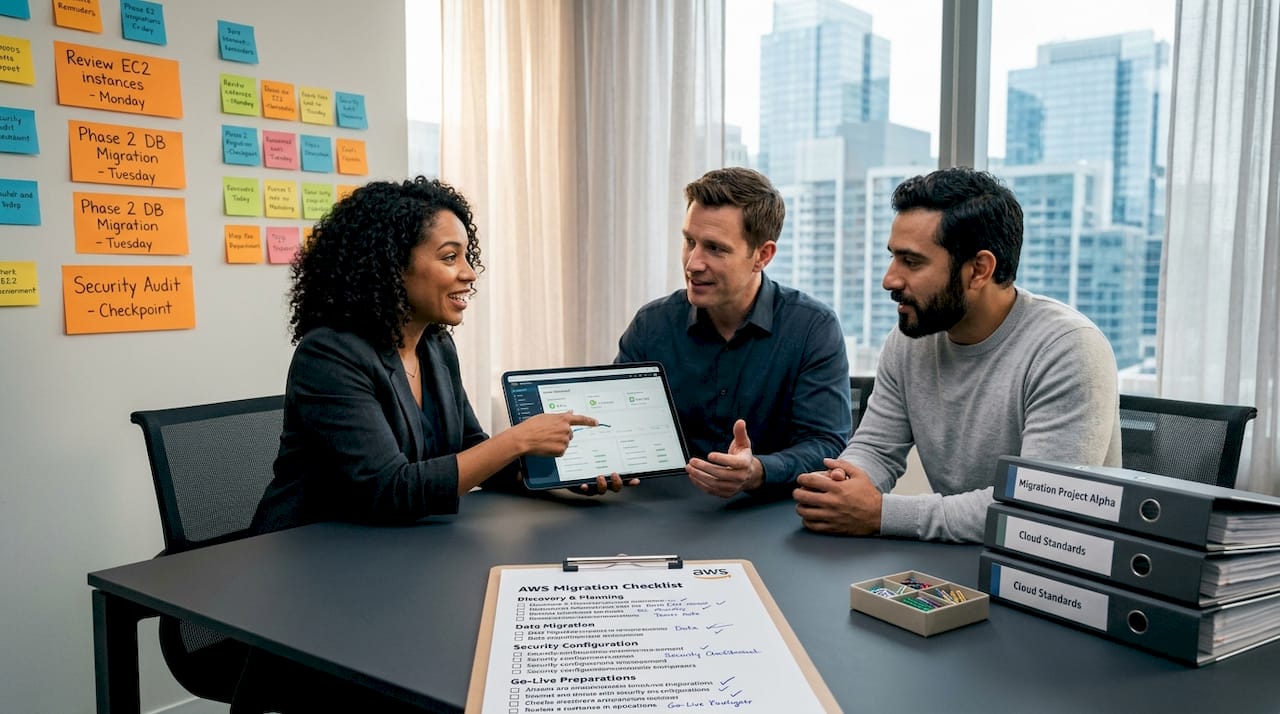
Reference your AWS migration checklist before finalizing your plan. Also make sure your team reviews current migration best practices to ensure your governance structure is aligned with what AWS recommends for complex, high-load environments.
Leveraging AWS tools for continuous performance and cost optimization
AWS gives you a set of native tools that, used together, create a feedback loop between infrastructure behavior and financial outcomes. The key is using them in combination rather than in isolation.
| Tool | Primary function | When to act on it |
|---|---|---|
| Compute Optimizer | Right-sizing recommendations for EC2, Lambda, EBS, ECS | Weekly review, monthly action cycle |
| CloudWatch | Metrics, logs, alarms, and autoscaling triggers | Real-time, with anomaly alerts configured |
| Cost Explorer | Spend visualization, trend analysis, reserved coverage | Monthly with weekly spot-checks |
| Trusted Advisor | Best practice audits across cost, performance, security | Bi-weekly review |
| Cost Anomaly Detection | Alerts on unexpected spend spikes | Continuous, with immediate notification thresholds |
AWS Compute Optimizer is often underused because teams assume right-sizing is a one-time exercise. In reality, it analyzes at least 14 days of utilization data to recommend downsizing oversized instances or flagging undersized ones, across EC2, Lambda, EBS, and ECS. Running these recommendations on a regular cycle, not just post-migration, prevents the gradual drift toward over-provisioning that inflates your bill without improving performance.
CloudWatch does the heavy lifting on real-time cloud performance monitoring. Configuring composite alarms, not just individual metric thresholds, reduces alert noise while ensuring genuine issues get flagged. Pair CloudWatch metrics with CloudWatch Logs Insights to correlate application errors with infrastructure events. That combination is what turns raw data into actionable diagnosis.
The AWS Well-Architected cost optimization pillar recommends using Cost Explorer, Budgets, Trusted Advisor, and Cost Anomaly Detection together for continuous cost monitoring. The insight most teams miss: cost and performance KPIs should be reviewed in the same meeting, not by separate teams in separate workflows. When your infrastructure lead sees that a cost spike coincides with a performance regression, they can diagnose root cause twice as fast.
For teams that also manage remote endpoints and distributed infrastructure, pairing AWS tools with remote IT management tools adds visibility beyond the AWS boundary, particularly useful in hybrid environments.
Pro Tip: Tag every resource from day one with environment, team, and workload identifiers. Trusted Advisor and Cost Explorer recommendations are far more actionable when you can tie them to a specific team or product line rather than looking at an undifferentiated pool of instances.
For deeper guidance on controlling spend without degrading performance, the AWS cloud cost optimization resource and a collection of AWS cost reduction tips grounded in real migration experience are worth reviewing.
Integrating FinOps and organizational practices for scalable, cost-effective performance
Here’s what most infrastructure-focused optimization guides miss: you cannot sustain cloud workload optimization without organizational change. The technical tooling is the easy part. Getting finance, procurement, and product teams to share accountability for cloud costs is where most programs stall.
FinOps, at its practical core, is about creating a culture where the people who use cloud resources understand and own their cost implications. That requires:
- Shared dashboards where engineering and finance see the same numbers in the same format
- Chargeback or showback models that attribute costs to the teams generating them
- Regular review cadences — monthly at minimum, with quarterly strategy reviews that align cloud spend with roadmap priorities
- Clear ownership of cost anomalies, so there’s no ambiguity about who investigates and who acts
The 2026 State of FinOps report shows that FinOps has expanded well beyond managing AWS bills. It now covers SaaS subscriptions, AI workload costs, private cloud, and licensing, reflecting the actual complexity of modern IT environments. If your FinOps practice only tracks EC2 spend, it’s already behind.
Cloud sprawl — unchecked resource creation across multiple teams and accounts — is one of the fastest ways to degrade both performance and cost efficiency. Governance policies that enforce tagging, set spending guardrails, and require approval for new resource types are not bureaucratic overhead. They are performance controls.
The financial KPIs must be tied explicitly to technical performance metrics. If your SLA requires 99.9% uptime and sub-200ms response times, your cost model should reflect the infrastructure necessary to meet those targets, with visibility into when you’re over-spending to achieve something already covered by a simpler architecture.
If you’re managing migration costs alongside these governance challenges, the cut AWS migration costs resource addresses how to maintain performance targets without over-building. For teams dealing with broader infrastructure architecture questions, intelligent infrastructure solutions offers additional thinking on governance-aware design.
The overlooked truth about cloud performance optimization in migration projects
After working through hundreds of AWS migrations in high-load eCommerce and fintech environments, the pattern we see repeatedly is this: teams get the tooling right and still get the outcomes wrong, because they optimize at the wrong time.
The instinct after cutover is to immediately start right-sizing. Instances that look oversized on day three of production are flagged, downsized, and then create performance incidents on day fifteen when a marketing campaign drives a traffic spike. The metrics from the first week post-cutover are not representative. They’re artifacts of stabilization, not signals of steady-state behavior.
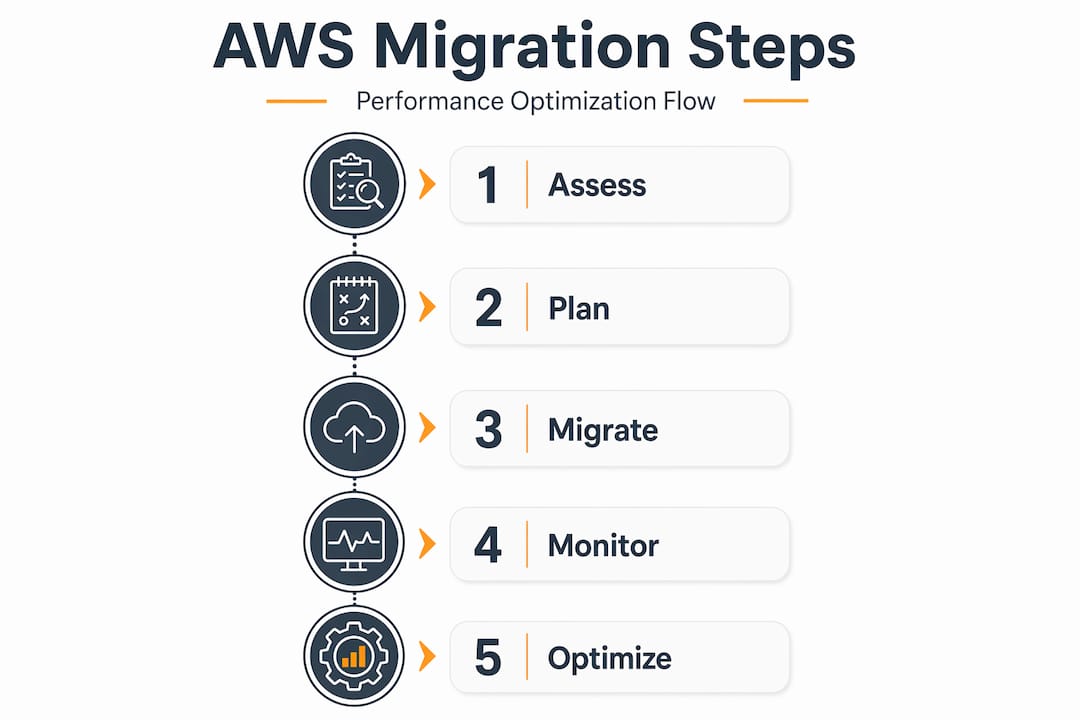
AWS cutover best practices support a staged approach: achieve stable cutover first, then enter a hypercare period where you observe without aggressively tuning, and only then move into telemetry-driven optimization. Skipping the hypercare stage because leadership wants to see cost savings within the first month is one of the most common and most costly mistakes we encounter.
Over-collection of metrics is the other underappreciated trap. Capturing everything CloudWatch can possibly record sounds thorough, but it generates cost and noise that obscures the signals you actually need. Define the five to eight KPIs that directly map to your business outcomes, instrument specifically for those, and let everything else become supplementary. More dashboards do not mean better decisions.
Integrating cost considerations from the start of performance tuning prevents the scenario where an engineering team achieves excellent latency numbers by over-provisioning compute, then hands the bill to finance and calls it a success. Performance and cost are not opposing forces; they are optimized together or they pull against each other indefinitely.
Continuous optimization requires leadership commitment that outlasts the migration project itself. The teams that sustain the best outcomes build it into quarterly planning cycles, assign a named owner for cloud efficiency, and tie optimization results to the same business metrics they use to evaluate product performance. For a structured approach to this, the migration roadmaps framework provides a foundation that extends well past go-live.
Optimize your AWS migration with expert cloud performance services
Getting AWS migration right from the start requires more than following a checklist. It requires execution depth — people who have done this in complex, high-load environments and know exactly where the risks hide.

At awsmigrationservices.com, we take full ownership of your migration lifecycle: cutover planning, rehearsal, monitoring setup, and post-migration optimization. As an AWS Advanced Tier Partner with 700+ completed projects, we bring the AWS migration best practices that reduce risk and the FinOps governance frameworks that keep your costs in line with your business goals. Whether your priority is reducing infrastructure spend, improving response times, or building the architecture to handle 10x growth, we optimize AWS costs without compromising the performance your users depend on.
Frequently asked questions
What is cloud performance optimization and why is it important during AWS migration?
Cloud performance optimization is the ongoing process of tuning cloud workloads to use resources efficiently and meet defined performance targets. It’s critical during AWS migration because without it, performance efficiency degrades and costs rise even after a technically successful move.
How does AWS Compute Optimizer help with performance optimization?
AWS Compute Optimizer analyzes resource utilization over time to produce right-sizing recommendations for EC2, Lambda, EBS, and ECS. After 14+ days of data, it identifies both over-provisioned instances wasting money and under-provisioned ones creating performance risk.
What are the benefits of a phased cutover approach in AWS migration?
A phased cutover gradually moves traffic to AWS, which lets you validate performance under real production load before committing fully. Phased migration reduces risk by keeping rollback feasible and surfacing issues at manageable scale rather than all at once.
How can FinOps practices improve cloud performance optimization outcomes?
FinOps creates shared financial accountability across engineering, finance, and product teams, ensuring cost efficiency is built into technical decisions rather than reviewed after the fact. The expanded FinOps scope now covers SaaS and AI workloads, which is essential for organizations managing mixed-environment costs alongside AWS infrastructure.
Why is performance monitoring critical after AWS migration cutover?
Post-cutover monitoring catches deviations from expected behavior before they become user-facing incidents, and provides the baseline data needed for tuning autoscaling, right-sizing, and capacity planning. Post-migration hypercare monitoring is essential to validate that migrated workloads deliver the intended business outcomes under real-world conditions.